Adobe Connect
| Technical Specification |
Download |
| Latest Updated |
Apr 16, 2024 |
|
| Latest Version |
2.6.9 |
| Developer |
Adobe |
| Operating system |
Android, iOS |
| Language |
English |
| Price |
Free |
| Available version |
2.6.9 |
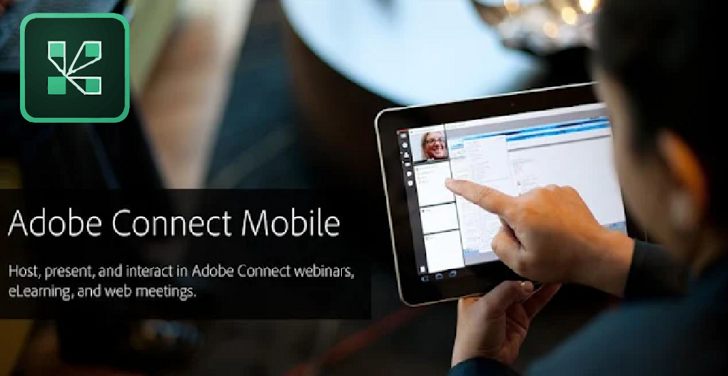
Adobe Connect is a robust online meeting and collaboration platform designed to facilitate effective communication and engagement in various professional environments. With features such as customizable virtual rooms, high-quality video conferencing, and interactive content sharing, users can create immersive experiences for participants. The application enhances productivity through its user-friendly interface, allowing for seamless integration of presentations and real-time polls. By fostering collaboration and engagement, Adobe Connect empowers teams to work together efficiently, regardless of their physical locations.
More Details
Below are some of the notable features of the Adobe Connect app:
- Dynamic Virtual Rooms: The app offers customizable virtual rooms designed for different meeting purposes, whether for webinars, team meetings, or educational sessions. Each room can be tailored to create an engaging user experience with specific layouts, branded interfaces, and interactive elements, facilitating meaningful collaborations and presentations.
- Real-time Collaboration Tools: Adobe Connect integrates a suite of collaboration tools, allowing participants to share documents, images, videos, and presentations seamlessly during live sessions. This feature supports real-time annotation and feedback, enhancing the productivity of discussions and ensuring that all members are actively engaged in the content being shared.
- Robust Analytics Dashboard: With an advanced analytics dashboard, users can track attendee engagement metrics, such as participation rates and interaction levels. This feature enables hosts to evaluate the effectiveness of their sessions, gather insights for improvement, and make data-informed decisions for future content development.
- Enhanced Accessibility Options: The app is equipped with accessibility features, ensuring that online meetings are inclusive for all participants. With options such as closed captioning, keyboard navigation shortcuts, and screen reader compatibility, Adobe Connect accommodates diverse user needs and adheres to best practices for universal design in digital environments.
Extra Details
How to uninstall the Adobe Connect? You can uninstall Adobe Connect on your mobile device by following these steps: Locate setting icon on your phone. Tap Application manager or Apps Touch Adobe Connect. Press uninstall.
How to install the application
How to download and install Adobe Connect on your mobile device? The steps below explain how you can download the app on Google Play: - Launch Google Play on your Android device
- Input Adobe Connect in the search bar
- Touch the most relevant search result
- Tap Install to download the app
- Wait for the process to complete.
DISCLAIMER
- The above app is a mobile app that will not change any system settings on your phone
- All apk files downloaded from our site are secure
- We provide the official download link from Google Play Store
- The trademarks and logos of all the merchants displayed on the website are the property of their respective owners. The website is not affiliated or associated with any of them
- Our website and its content strictly comply with all the terms and conditions of Google Ads Advertising policies and Google Unwanted Software policy
Steps to Uninstall android App
How to uninstall the Adobe Connect? You can uninstall Adobe Connect on your mobile device by following these steps: - Locate setting icon on your phone.
- Tap Application manager or Apps Touch Adobe Connect.
- Press uninstall.
Tips & Tricks
More about the Adobe Connect app
- Leverage Recording Features: Utilize Adobe Connect's recording capabilities to save and review webinars or meetings. This allows participants who could not attend live sessions to catch up on essential information, ensuring everyone stays informed and engaged.
- Enhance Engagement with Polls: Incorporate interactive polls during your virtual meetings to gauge participant understanding and gather feedback. This feature not only fosters engagement but also helps you tailor your presentation to better meet audience needs.
- Utilize Breakout Rooms: Maximize collaboration by using breakout rooms for small group discussions. This feature encourages participation and provides a platform for deeper discussions, enhancing overall learning and idea generation.
- Take Advantage of the Whiteboard: Use the integrated whiteboard to visualize concepts in real-time. This tool aids in explaining complex ideas clearly, allowing for added clarity and comprehension among participants during discussions.
- Customize Layouts for Better Focus: Experiment with different layout options to optimize your meeting environment. A tailored layout can direct focus to critical elements, helping participants engage with the content more effectively and minimizing distractions.